
Sample elements
Try it out
This page shows the elements your website can use. Everything here is sample text. In the editing system, copy an element and paste it on another page, or create it yourself with "New".
This page is not in the menu and can be deleted at any time.
Text, lists and buttons
Text with image

A text element can show an image to the left or right of the text. In the editing system, choose "Add an image" and the image alignment.
Texts can be bold, contain links and lists:
- first item
- second item
- third item
Numbered list
- Make an appointment
- Advice on site
- Receive a quote
- Completion
Button with link
Contact usExpandable elements
Accordion
An element that shows questions and answers without taking up much space. Clicking a question opens the answer.
Frequently asked questions, price details, procedures or anything not everyone needs to read.
Create an "Accordion" element, then use "Edit child elements" to add one text element with a section headline per entry.
Table
Example: price list
| Service | Scope | Duration | Travel | Price |
|---|---|---|---|---|
| Sample service A | per hour | 1 hour | included | from 00 € |
| Sample service B | flat rate | half a day | included | from 00 € |
| Sample service C | by effort | by arrangement | by distance | on request |
| Sample service D | per square metre | 1 to 2 days | included | from 00 € |
| Sample service E | flat rate | 1 day | by distance | from 00 € |
| Sample service F | by effort | by arrangement | included | on request |
Images
Single image with caption
Gallery
-

-
Table set -
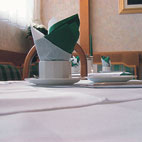
Breakfast table -
-
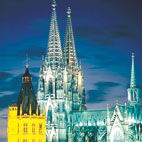
Cologne: cathedral -

Cologne: trade fair

Image slider
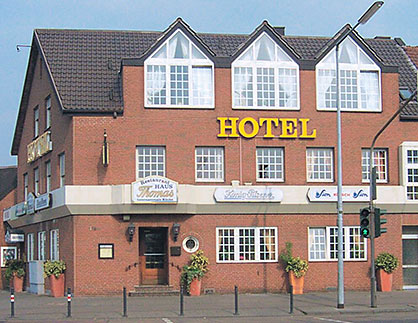
Six cards with icons
Section "Cards"
An element group with the CSS class "abschnitt leistungen", containing text elements with the class "karte".
First card
Short sample text for the first card.
Second card
Short sample text for the second card.
Third card
Short sample text for the third card.
Fourth card
Short sample text for the fourth card.
Fifth card
Short sample text for the fifth card.
Sixth card
Short sample text for the sixth card.
25
Sample number with text
100 %
counts up as you scroll
3
Section "Numbers"
Step by step
Section "Steps"
First step
Sample text.
Second step
Sample text.
Third step
Sample text.
"A quote or a customer testimonial, large and easy to read."
Name, place
Contact form
The same form as on the contact page, here to try out. On the contact page it is still hidden; switch it on there by clicking the eye. As long as the website is a draft, messages go to heimseiten.de.
News
Posts with date, image and a short text. The page for your news is already set up and hidden; you write posts in the editing system under "News".
An example post
This is how a post looks in the list: date, headline and a short text. You can add an image as well.
Events
Upcoming events with date, time and place. Past events disappear automatically. The page for your events is already set up and hidden; you enter events in the editing system under "Events".
Example event with time and place
Example venue
An event with start and end time. Recurring events (monthly, for example) are entered once.
Example event over several days
An event with start and end date, such as a course or a weekend event.
Example event with time and place
Example venue
An event with start and end time. Recurring events (monthly, for example) are entered once.
Section "Call to action"
A dark section with a button, good at the end of a page.